Professional POS & Billing Software
AjonTec provides POS and billing software solutions designed to help businesses manage day-to-day sales, billing, products, customers, inventory, payments, and business records from a centralized system.
A Point of Sale (POS) system can be used at the point where a business sells products or services to customers. Depending on the selected configuration, the system can also provide billing, inventory, customer management, purchase records, expenses, reports, and other business management features.
The available features depend on the selected plan, business requirements, applicable tax configuration, hardware environment, and agreed implementation scope.
What Is Included
- POS billing and sales management
- Product management
- Customer management
- Supplier management where applicable
- Inventory and stock management
- Purchase management
- Sales return management where supported
- Expense management
- Payment and transaction records
- Business reports
- Dashboard and sales summaries
- User and staff access management where applicable
POS Billing
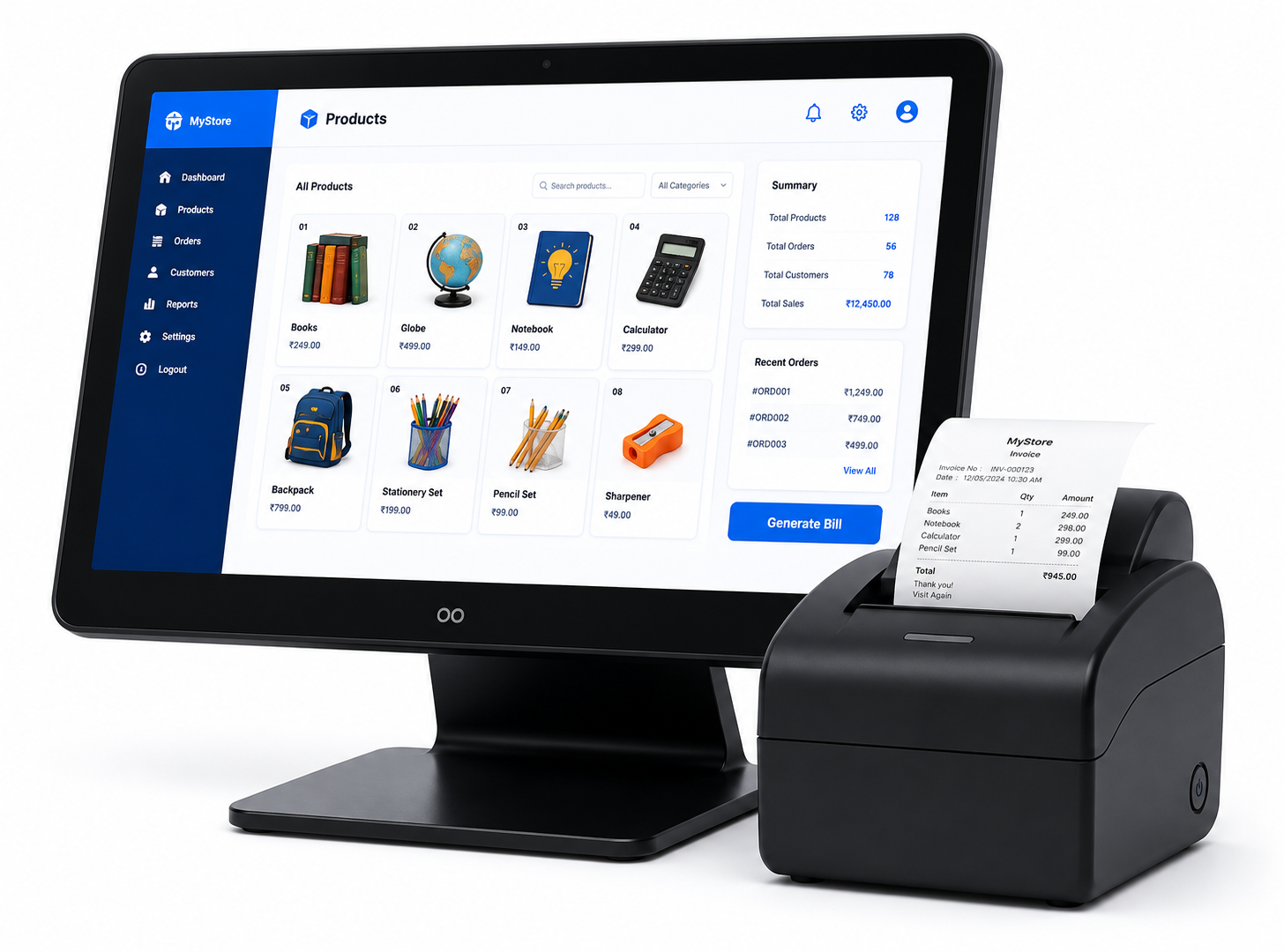
The POS module can provide a streamlined interface for recording sales and generating customer bills. Depending on the configured system, users can select products, adjust quantities, apply permitted discounts, calculate applicable taxes, record payments, and complete transactions.
The exact billing fields, tax configuration, invoice format, and payment options depend on the business requirements and applicable legal and commercial requirements.
Product Management
Businesses can manage product information such as product name, category, selling price, purchase price, stock quantity, product code, barcode, unit, tax information, and other supported attributes.
The available product fields depend on the configured system and business requirements.
Inventory & Stock Management
The software can help businesses maintain stock information by recording relevant sales, purchases, adjustments, and other supported inventory transactions.
Stock figures depend on the accuracy of the information entered into the system and the inventory workflow configured for the business.
Purchase Management
Where enabled, businesses can record purchases from suppliers and maintain relevant purchase information. Purchase records can be used to support inventory tracking and business reporting.
Customer Management
The system can maintain customer records and associate applicable sales or billing transactions with customers. Depending on the configuration, customer information may include name, contact details, transaction history, outstanding amounts, and other business-related information.
Supplier Management
Where supported, supplier records can be maintained for managing purchase-related information and supplier transactions.
Expense Management
Businesses can record applicable operating expenses to maintain a more complete view of business transactions. Expense categories and reporting depend on the configured software.
Payment Management
The system can record supported payment methods and transaction information. Depending on the implementation, payment options may include cash, bank transfer, UPI, card, or other supported methods.
Where an external payment gateway or payment service is integrated, transaction processing remains subject to the respective payment provider's systems, policies, fees, availability, and technical requirements.
Tax & GST-Related Billing
Where applicable, the billing system can be configured to support tax-related calculation and invoice fields based on the business requirements and applicable tax configuration.
Businesses are responsible for determining the correct tax treatment, rates, invoice requirements, registration details, exemptions, and other statutory obligations applicable to their transactions. Software configuration should be reviewed by the business or its qualified tax professional before operational use.
Reports & Dashboard
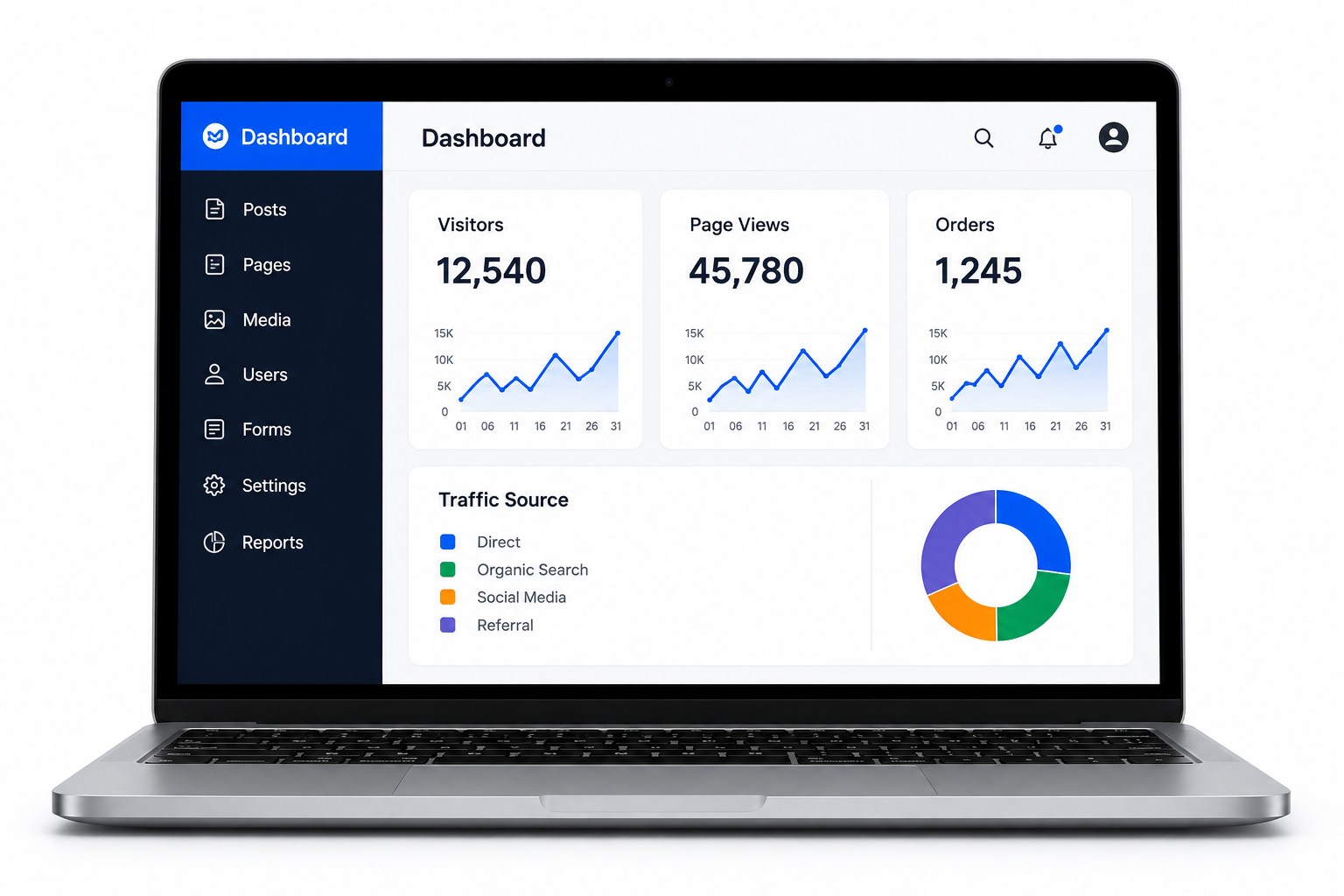
The system can provide business reports and dashboard summaries based on recorded transactions. Depending on the configuration, reports may include sales, purchases, expenses, stock, payments, customers, outstanding amounts, and other operational information.
Typical POS & Billing Modules
- POS Sales
- Invoice / Bill Generation
- Product Management
- Category Management
- Stock Management
- Purchase Management
- Customer Management
- Supplier Management
- Expense Management
- Payment Management
- Sales Return
- Purchase Return where applicable
- Tax Configuration
- Business Reports
- Dashboard
- User / Staff Management where applicable
Not all modules are necessarily included in every plan. Final functionality depends on the selected service plan and agreed requirements.
Suitable Businesses
- Retail shops
- Supermarkets
- Grocery stores
- General stores
- Clothing and apparel stores
- Electronics stores
- Pharmacies, subject to applicable regulatory requirements
- Restaurants and applicable food businesses
- Wholesalers
- Distributors
- Service businesses
- Small and medium businesses
Benefits of POS & Billing Software
- Faster and more organized sales billing
- Centralized product and customer records
- Better visibility of stock information
- Improved transaction record management
- Access to sales and business reports
- Reduced dependency on manual record keeping
- Improved organization of purchase and expense records
- Support for business decision-making through recorded data
Barcode & Hardware Support
Depending on the software architecture and selected configuration, POS systems may support barcode scanners, receipt printers, cash drawers, weighing devices, or other compatible POS hardware.
Hardware compatibility depends on the operating environment, device drivers, software architecture, connectivity method, and supported hardware models. Hardware purchase and installation may involve separate charges unless specifically included in the agreed scope.
User & Staff Access
Where supported, multiple users can be provided with controlled access to different POS or management functions. Role-based permissions can help restrict access to sensitive operations such as pricing, discounts, reports, settings, or transaction management.
Data & Security
POS and billing systems may process business and customer information, including transaction records and contact information. Appropriate access controls, authentication, secure communication, database protection, backups, and other security practices can be implemented based on the system architecture.
No software system can be guaranteed to be completely immune from unauthorized access, data loss, malware, security vulnerabilities, or other risks. Businesses should maintain appropriate backups, access controls, and security practices.
POS & Billing Implementation Process
- Business Requirement Review: Business type, billing workflow, products, taxes, payment methods, users, inventory requirements, and reporting needs are reviewed.
- System Configuration: Applicable business information, products, categories, tax settings, users, invoice settings, and other supported configuration options are prepared.
- Integration: Required payment services, hardware, APIs, or other supported integrations are configured where applicable.
- Testing: Billing, product management, inventory, payments, reports, user permissions, and other agreed functionality are tested.
- Deployment: The software is deployed or activated in the agreed environment after the required technical setup is completed.
- Operational Support: Applicable support and maintenance can be provided according to the selected plan or separate support agreement.
Pricing
Starting Price: ₹249/month
The displayed price represents the currently listed AjonTec starting plan. Final pricing may vary according to the required modules, number of users, branches, inventory requirements, hardware integrations, custom reports, tax configuration, third-party services, data migration, customization, and other requirements.
Applicable taxes, POS hardware, hosting, payment gateway charges, SMS services, third-party integrations, premium services, and other external costs may be charged separately unless specifically included in the selected plan or quotation.
Important Legal & Business Information
- The business is responsible for entering accurate product, customer, transaction, tax, pricing, and inventory information.
- Businesses are responsible for complying with applicable tax, invoicing, consumer protection, accounting, and other legal requirements.
- Tax and GST-related configuration should be verified by the business or its qualified tax professional based on the applicable rules and transaction type.
- The software is a business management and billing tool and should not be treated as a substitute for professional legal, accounting, or tax advice.
- Third-party payment services, hardware, APIs, and external integrations are subject to their respective terms, fees, availability, and technical limits.
- Additional functionality outside the agreed scope may require additional charges.
Why Choose AjonTec?
AjonTec provides practical POS and billing solutions designed to help businesses organize their sales, billing, inventory, customer, purchase, expense, and reporting activities through a centralized system.
The solution can be configured according to the business workflow and expanded with additional functionality where technically supported and commercially agreed.
Get Started
To start using a POS and billing solution, provide your business type, number of products, billing requirements, tax requirements, payment methods, number of users, inventory needs, hardware requirements, and any existing data that needs to be migrated. AjonTec can review the requirements and recommend the appropriate configuration.
What You Get
- POS billing and sales management
- Product management
- Customer management
- Supplier management where applicable
- Inventory and stock management
- Purchase management
Frequently Asked Questions
What is POS & Billing Software?
POS and billing software is a business management system used to record sales, generate bills or invoices, manage products, track transactions, and support other business operations such as inventory and reporting.
What businesses can use AjonTec POS & Billing Software?
It can be suitable for retail stores, supermarkets, grocery stores, general stores, apparel shops, electronics businesses, wholesalers, distributors, service businesses, and other applicable businesses.
Does the software support inventory management?
Yes. Inventory functionality can be used to manage product stock information and relevant stock movements based on recorded transactions and the configured workflow.
Can I manage customers and suppliers?
Yes. Customer management and, where supported, supplier management can be included for maintaining business-related records and transactions.
Does the software support GST and tax-related billing?
Where applicable, the system can support tax-related billing configuration. However, the business is responsible for determining the correct tax treatment, rates, invoice requirements, and statutory compliance applicable to its transactions.
Can barcode scanners and POS hardware be used?
Compatible barcode scanners and other POS hardware may be supported depending on the software architecture and device compatibility. Hardware requirements should be confirmed before purchase.
What is the price of AjonTec POS & Billing Software?
The listed starting price is **₹249/month**. Final pricing may vary based on modules, users, branches, hardware, integrations, customization, and other requirements.
Can multiple employees use the software?
Yes. Where supported, multiple users or staff members can be configured with appropriate access permissions based on their roles.
Can I see sales and business reports?
Yes. Applicable reports can provide information based on recorded transactions, such as sales, purchases, expenses, stock, payments, and other supported business data.
Does POS software guarantee accounting or tax compliance?
No. POS software helps record and manage business transactions, but it does not replace professional accounting or tax advice. The business remains responsible for ensuring that its records, tax treatment, invoices, and statutory compliance are correct.